
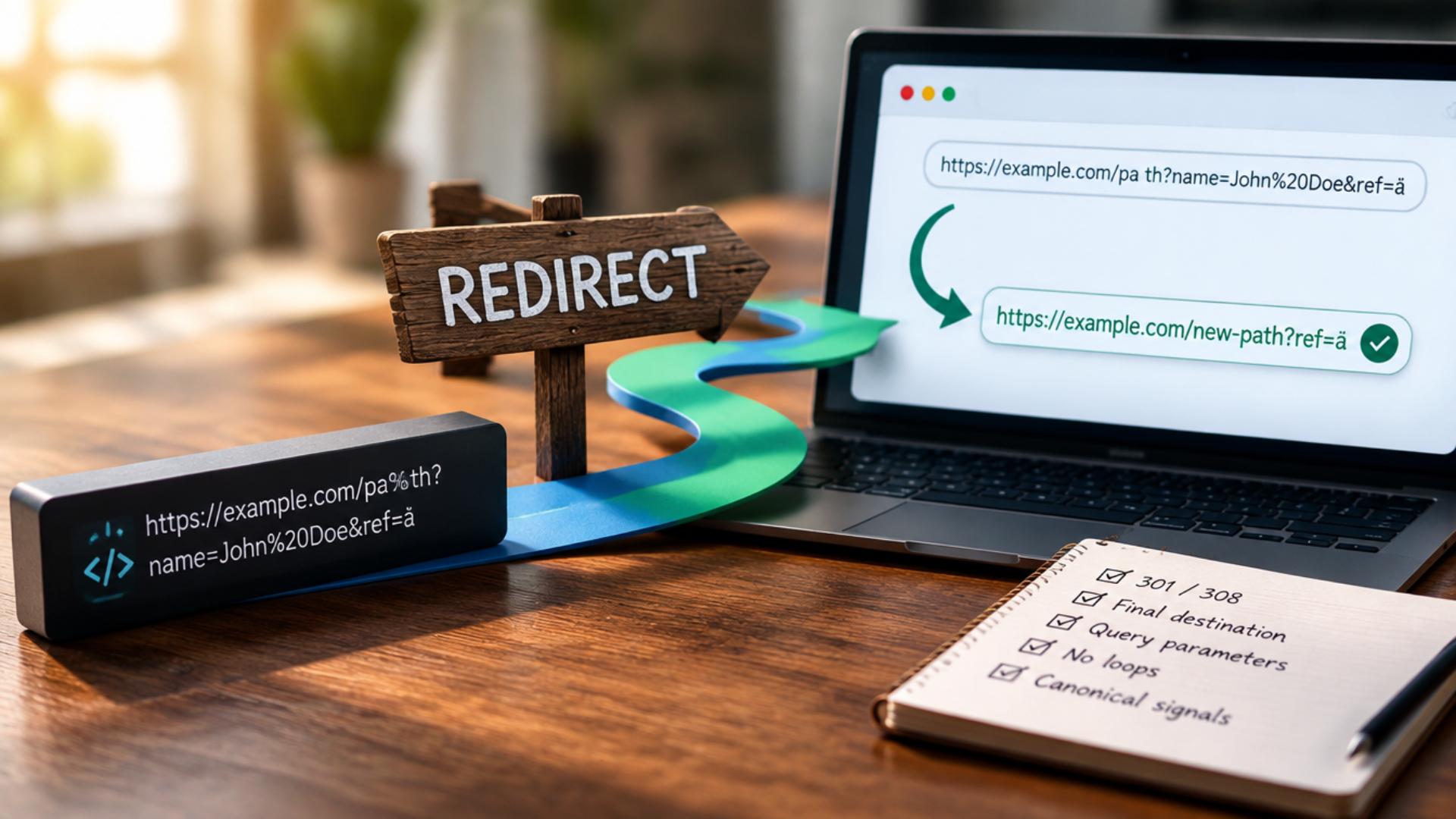
Redirects are easy to overlook during a crypto website audit, especially after a rebrand, domain change, or URL restructure. An old project page may redirect to another URL, but if that destination returns an error, creates a redirect chain, or points to the wrong page, the original URL is not doing its job. These issues can affect how users and search engines reach important content. Finding them requires more than checking whether a URL redirects. This guide explains how to identify broken redirects, verify what happens at their destinations, and prioritize the issues that matter for crypto SEO.
What Counts as a Broken Redirect?
A broken redirect occurs when an old URL sends visitors and search engines to a destination that does not resolve properly. For example, an old token page may return a 301 redirect to a new URL, but that new URL returns a 404 error. The redirect exists, but it does not lead to a working destination.
During an audit, it is also important to distinguish broken redirects from related issues. A redirect chain passes through multiple URLs before reaching the final page, while a redirect loop keeps sending the request between URLs without reaching a destination. These problems differ, but a site crawl can surface all three, and you should check them separately.
Why Broken Redirects Matter for Crypto SEO?
A broken redirect can prevent users and search engines from reaching the content an old URL should lead to. This becomes more important when the URL belongs to an established crypto project page, documentation section, blog post, or other page that already receives traffic or links from other websites.
Redirect problems can also leave internal links pointing through unnecessary or failed paths. During a site migration, rebrand, or URL restructure, these issues can accumulate quickly if you don’t check old URLs against their final destinations.
The impact depends on the URL involved and what happens after the redirect. A failed redirect to an important page deserves more attention than an obsolete URL with no traffic, links, or relevant replacement. That is why finding and prioritizing the right redirect issues matters more than simply removing every redirect on the site.
How to Find Broken Redirects on a Crypto Website
Finding broken redirects starts with tracing what happens after a URL returns a redirect. A crawler can identify URLs that return 3xx responses, but the important part is checking where those redirects lead and whether the final destination works as expected.
1. Crawl the Site and Export Redirect URLs
Start with a full crawl of the crypto website using an SEO crawler. Export the URLs returning 3xx status codes along with their redirect targets, final destinations, and response codes.
This gives you a list of URLs that need further inspection. Pay particular attention to redirects involving important project pages, documentation, blog content, and URLs that were changed during a migration or rebrand.
2. Find Redirects That End in 4xx or 5xx Errors
Next, check the final response for each redirect. A redirect becomes a clear problem when it leads to a destination returning a 4xx or 5xx status.
For example:
/old-token-page → 301 → /new-token-page → 404
The original URL redirects correctly in the first step, but the destination doesn’t exist. That makes the redirect path ineffective and gives you a specific URL to investigate.
3. Trace Redirect Chains and Loops
Check whether a redirected URL passes through multiple destinations before reaching the final page. For example:
/old-page → 301 → /previous-page → 301 → /current-page
This is a redirect chain, not a broken redirect. It may still resolve successfully, but it creates an unnecessary sequence that you can often simplify by sending the original URL directly to the final destination.
Also look for loops such as:
/token-a → /token-b → /token-a
A loop prevents the request from reaching a final page and should be corrected.
4. Check Internal Links Pointing to Redirected URLs
Review internal links that point to URLs which already redirect elsewhere. If a page on the site links to an old URL that then sends visitors to the current page, update the internal link to use the final URL directly when appropriate.
This is particularly useful after changing URL structures. It removes unnecessary steps from the site’s navigation and keeps internal references aligned with the current URL structure.
5. Check Important Old URLs and Backlinks
Not every old URL deserves the same level of attention. Review redirected URLs associated with important pages, organic traffic, or external backlinks.
For a crypto website, this can include old project or token pages, documentation URLs, blog posts, and URLs changed during a rebrand. If an old URL has valuable external links but now leads to an error or an unrelated destination, it deserves closer review.
6. Verify Suspicious Redirects Manually
Before making changes, manually verify the URLs the crawl flagged. Check the source URL, HTTP response, Location header, redirect path, final URL, and final response.
This confirms whether the reported issue is real and helps distinguish a broken redirect from a valid redirect, chain, or other URL issue. It also prevents unnecessary changes based solely on an automated crawl result.
Where Crypto Websites Commonly Develop Broken Redirects
Redirect problems often appear after a website changes its URL structure. For crypto projects, these changes can happen during rebrands, domain moves, content reorganizations, or updates to project and documentation pages.
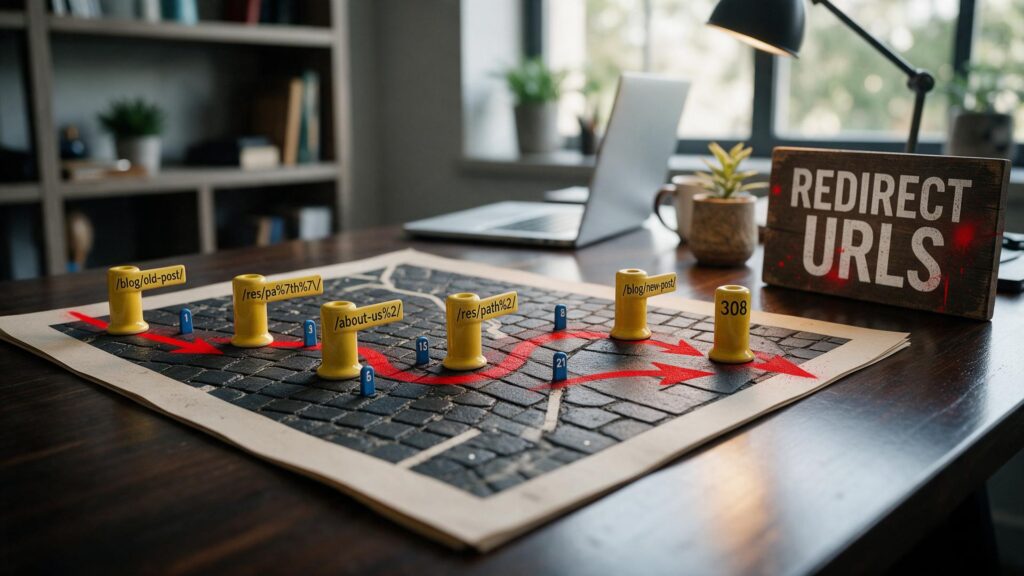
Project Rebrands and Domain Changes
A rebrand can change both the domain and the URLs used across the site. A project may move to a new crypto domain during the transition, while older URLs continue receiving visits or backlinks. Check each redirect to ensure it reaches the correct current page, not an error or an unrelated destination.
Token and Asset Page Changes
Crypto websites may reorganize pages when token names, page slugs, or asset directories change. An old URL can keep receiving visits or external links after the page moves, so verify the redirect still points to the correct replacement.
Documentation and Knowledge-Base Restructuring
Documentation is another common source of old URLs. Moving guides, changing documentation platforms, or reorganizing categories can leave previous documentation URLs pointing to destinations that no longer exist.
Blog and Content Migrations
Blog URLs can change when you move content to a new CMS, reorganize categories, or consolidate older articles. Check redirects after these changes, especially for articles that continue to receive organic traffic or backlinks.
Website Structure Changes
Changes to folders, URL formats, or application routes can also create redirect problems. A post-change crawl can reveal whether older URLs still reach the intended content or have become part of a chain, loop, or failed redirect path.
Which Broken Redirects Should You Fix First?
A crawl can uncover more redirect issues than a site owner expects, but they do not all have the same SEO significance. Prioritize the URLs based on what happens after the redirect and how important the original page is to the website.
1. Redirects That End in 4xx or 5xx Errors
Start with redirects that lead to a failed destination. A 404 or 410 means the requested resource is unavailable, while a 5xx response indicates a server-side problem. Investigate these URLs before redirecting them to a working page.
2. Redirects Involving Important Pages
Pay closer attention to URLs tied to important project pages, documentation, landing pages, or content that drives organic traffic. A broken redirect on a page that matters to the site is more significant than one pointing to an obsolete URL with no useful replacement.
3. Redirects With External Backlinks
Check whether other websites link to the old URL. If an established page has relevant backlinks, its redirect deserves closer attention because the destination determines where visitors and search engines are sent.
4. Redirects Used by Internal Links
An internal link pointing to a redirected URL is worth correcting once you know the final destination. Updating the link removes an unnecessary step and keeps the site’s internal URL references consistent.
5. Redirects With the Wrong Destination
A redirect isn’t necessarily acceptable just because it returns a successful response. If an old crypto project page redirects to an unrelated page, review the URL to see whether a more relevant destination exists.
Prioritizing issues this way keeps the audit focused on redirects that can affect important content, links, and user paths, rather than treating every redirect as equally urgent.
How to Fix the Broken Redirects You Find
Once you identify the problematic URLs, fix them based on where they should lead and whether a relevant replacement exists.
- Redirect directly to the relevant destination: If an old URL has a suitable replacement, point it directly to the final URL instead of sending it through multiple redirects. For permanent URL changes, use an appropriate permanent redirect such as 301 or 308.
- Update internal links: Replace internal links that point to old redirected URLs with links to the current destination. This removes unnecessary redirect steps from the site’s own navigation.
- Remove or replace invalid redirect targets: If a redirect leads to a 4xx or 5xx response, decide whether to restore the destination, replace it with a relevant page, or remove it. Do not redirect an obsolete URL to an unrelated page simply to avoid an error.
- Recheck the URLs after fixing them: Run another crawl or manually verify the affected URLs. Confirm that the source reaches the intended destination, the final response is successful, and no new redirect chain or loop has been introduced.
Conclusion
Broken redirects are easiest to manage when you treat them as specific URL problems rather than a reason to remove every redirect on a crypto website. Start by tracing redirects to their final destinations, identify failed responses, chains, loops, and incorrect targets, then prioritize the URLs that matter most to the site. Regular crawls and checks after migrations, rebrands, and URL changes can help catch these issues before they affect important content or user paths.